Know what you planned to spend, what you’ve spent so far, and what you expect to keep.
The Contractor Job Costing & Profit Tracker helps you organize the numbers behind each construction project. Plan your budget, record expenses, track approved extra work, and compare estimated costs with actual spending—all in one Excel workbook.
As the job progresses, enter the costs you still expect to incur to see your projected job profit and margin. Once the project is complete and all costs are recorded, review the final result.
Built for small contractors
Ideal for general contractors, remodelers, builders, independent tradespeople, and small construction teams who want a straightforward way to track a job’s costs.
Use one workbook per project. Start a fresh copy for each new job and keep your project records separate.
What you can do
Plan your original job budget across labor, materials, subcontractors, equipment, and other costs.
Record actual spending and compare it with your base budget by category.
Calculate labor and material costs from hours, quantities, and rates.
Track change orders with customer prices, additional estimated costs, and approval statuses.
See the effect of approved extra work on your revised contract value and estimated profit.
Forecast your remaining profit by accounting for costs still expected—not just expenses recorded so far.
What’s inside the workbook?
Start Here Guide — Clear instructions, an input-color legend, and a step-by-step workflow.
Job Summary — Contract value, revised estimated cost, recorded costs, and projected or final job profit.
Budget Planner — 30 entries for estimating original-scope costs.
Actual Costs Tracker — 100 entries for subcontractor, equipment, and other expenses, with labor and material totals included automatically.
Labor & Materials Detail — 100 entries with automatic quantity × rate calculations.
Change Order Tracker — 20 entries for additional work. Approved and completed changes update your project estimates.
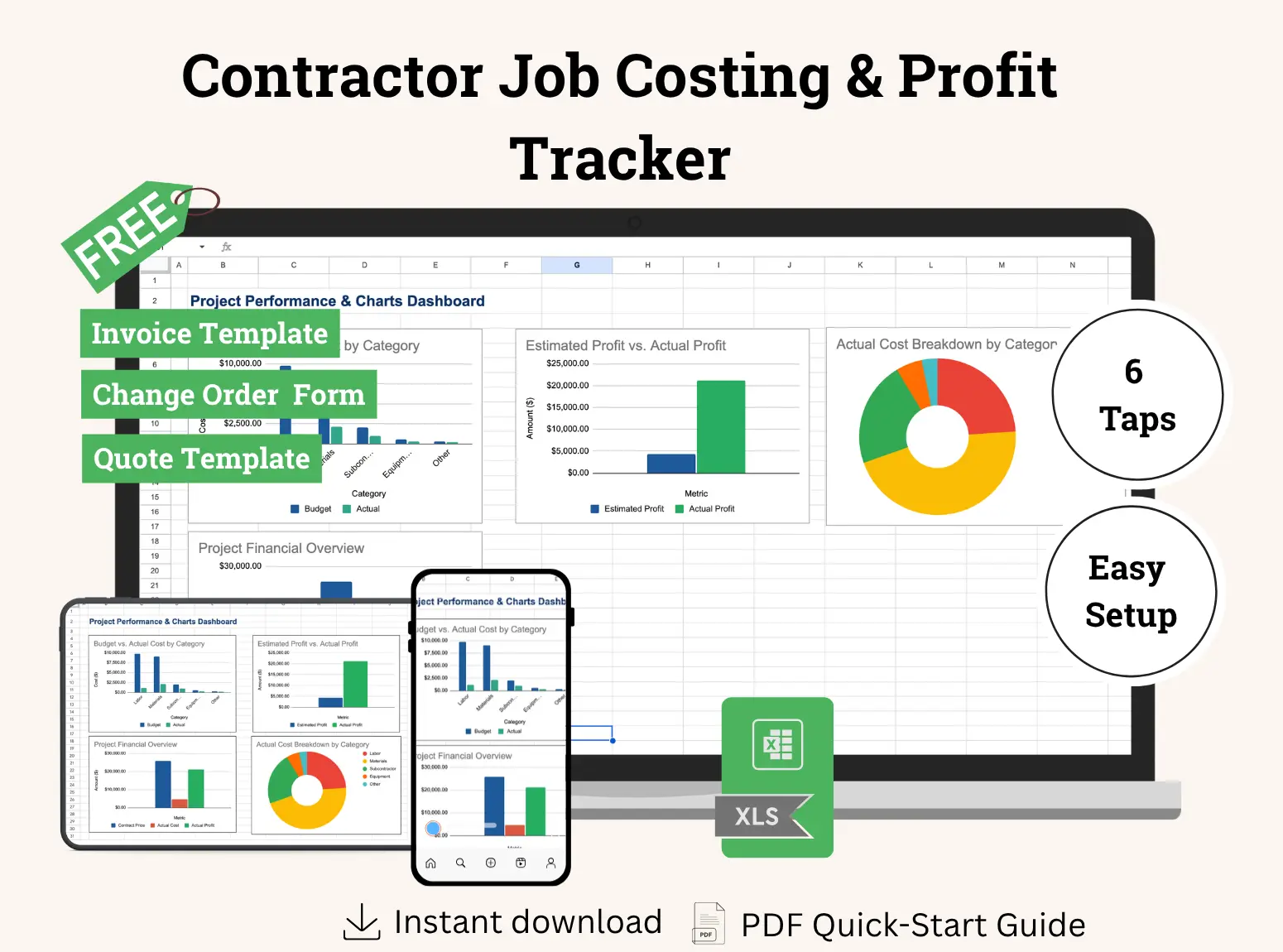
Charts Dashboard — Visual summaries of project costs and profitability.
Yellow input cells show you where to enter information. Key totals appear at the top and bottom of the entry sheets, with frozen headings to make longer lists easier to navigate.
Your download includes
Blank Excel Tracker (.xlsx) — A clean workbook ready for your first project.
Filled Sample Workbook (.xlsx) — An example to help you understand how the tracker works.
Built-in Start Here Instructions — Guidance available directly inside the workbook.
Three bonus templates included
Start with your next job
Enter your contract price and budget, then update expenses as work progresses. You’ll have an organized record of your costs and a clearer view of the job’s expected financial result.
Profit figures depend on the costs and forecasts you enter. This workbook tracks individual job profitability; it does not calculate company-wide net profit or cash collected.