Know what to charge—and what you could earn
Materials are only part of your product’s cost. Labor, packaging, monthly overhead, and selling fees can all reduce what you keep from each sale.
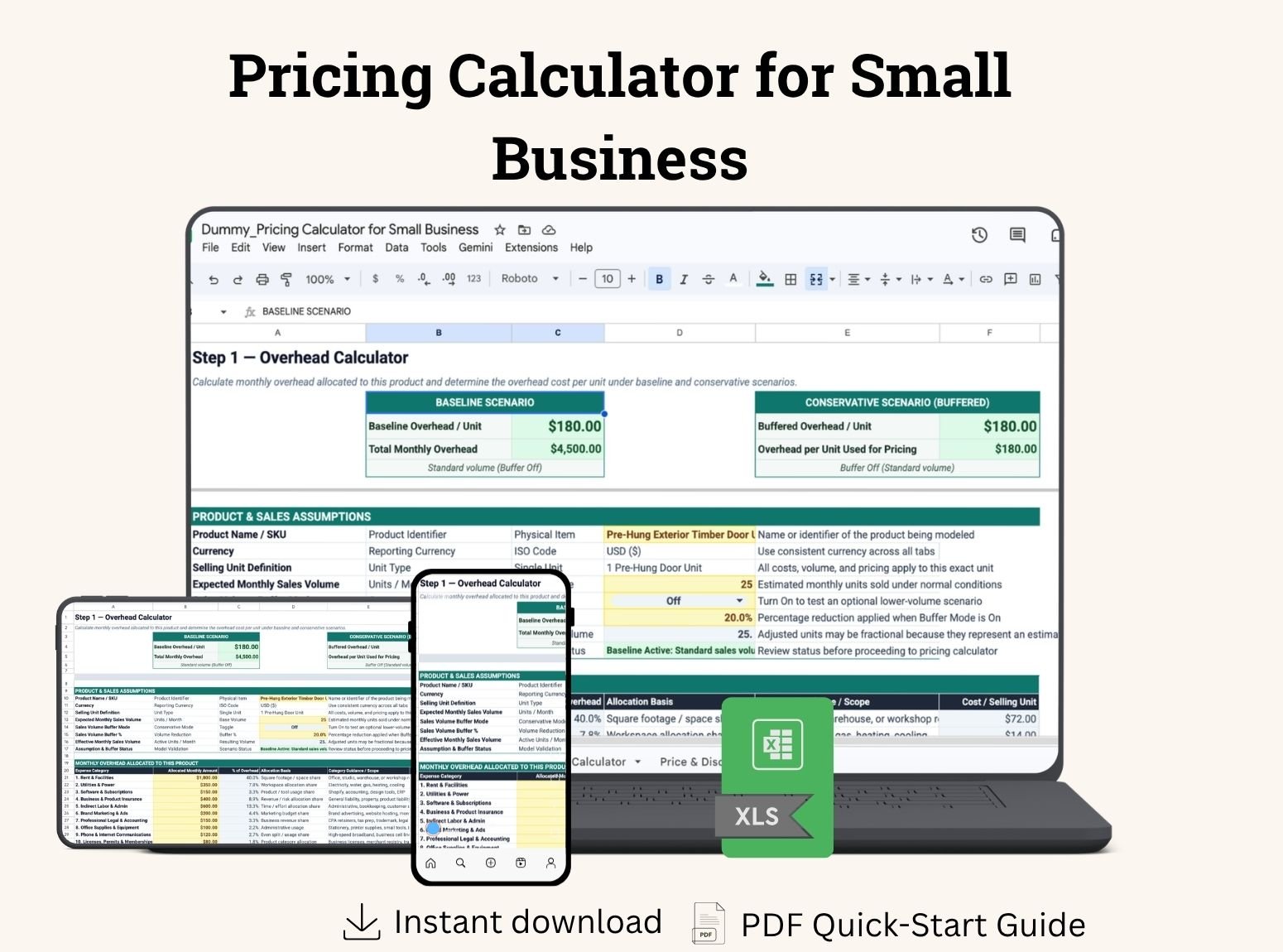
The Pricing Calculator for Small Business brings these costs into one Excel workbook. Calculate a suggested selling price based on your target margin, find your break-even price, and check how a discount changes your estimated profit.
From product costs to a selling price
Follow three steps:
Allocate your overhead. Enter this product’s share of monthly expenses and your expected unit sales.
Calculate your price. Add direct costs, payment and marketplace fees, and your target profit margin.
Test a discount. Enter a proposed price and see the resulting fees, profit per unit, and margin.
Enter your figures in the designated input cells. The connected calculations update automatically.
What can you do with it?
Include costs that are easy to overlook
Account for materials or purchased products, direct labor, packaging, seller-paid shipping, and other direct costs. Include an allocated share of rent, software, insurance, and other monthly overhead.
Price for your target margin
Calculate a suggested selling price that accounts for your entered costs and fees. The workbook uses profit margin, helping you avoid the common mistake of confusing margin with markup.
Account for selling fees
Enter percentage and fixed fees separately for payment processing and marketplace sales. Percentage fees recalculate when the tested selling price changes.
Find your break-even price
See the price needed to cover your entered costs and fees under your selected assumptions. Use it as a reference when considering promotions or negotiating a price.
Check discounts before offering them
Test your own discount and compare 0%, 5%, 10%, 15%, and 20% scenarios side by side. See which options remain profitable and which fall below your target margin.
Explore a slower-sales scenario
Switch on the optional Sales Volume Buffer to estimate overhead per unit when fewer units sell than expected.
See why a small discount matters
Suppose your product costs $100 per unit, including allocated overhead, and your selling fee is 5%, with no fixed fee.
Pricing option | Selling price | Profit per unit | Profit margin |
|---|
No discount | $150.00 | $42.50 | 28.33% |
10% discount | $135.00 | $28.25 | 20.93% |
20% discount | $120.00 | $14.00 | 11.67% |
A 20% discount cuts the estimated profit per sale from $42.50 to $14.00. The planner helps you see that trade-off before choosing your offer.
Illustrative example. Your results depend on your own costs, fees, and assumptions.
Who is it for?
Designed for small businesses selling physical products, including:
Makers and handmade-product sellers
Craft and gift businesses
Product resellers
Small manufacturers
Small online shops using straightforward fee structures
Use one workbook per product and make a separate copy for each additional item, pack, or set.
What’s included?
Blank Excel Workbook — Enter your own product details, costs, fees, and pricing assumptions.
Filled Sample Workbook — Follow a completed example to understand the workflow.
PDF User Guide — Step-by-step instructions, sample calculations, and troubleshooting.
Each workbook contains four tabs: Start Here, Overhead Calculator, Pricing Calculator, and Price & Discount Planner.
Before you buy
This calculator is designed for physical-product pricing, with one selling unit per order. It uses one currency throughout and prices in 0.01 increments.
Percentage fees apply to the tax-exclusive selling price. Taxes, currency conversion, inventory tracking, separately billed shipping revenue, and complex fee rules such as tiers, caps, or minimum charges are not included.
Your suggested price is a planning estimate based on the information you enter. Review it alongside customer demand and market conditions; the workbook does not guarantee sales or profitability.